Start your first session
- Use the Play BO1 Zombies button on the homepage. It opens vel.gg in a separate window; a phone or some browser settings may use a tab.
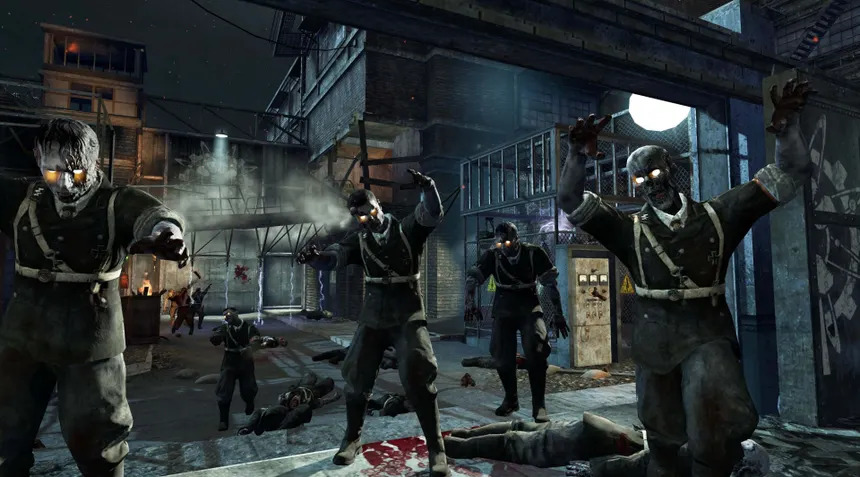
- Choose Kino der Toten for a straightforward first map, or pick another destination from the map selector.
- Wait for the map’s initial download and preparation. Keep the game window open while the progress text is changing.
- When Click to Start appears, click it inside the game. This gives the game a direct user gesture for mouse capture and sound.
- Once the scene opens, test movement, aim and your interact key in a safe moment. Keep an escape route in view.
What “in the browser” means
You do not install a launcher from this guide. The linked project still transfers game data to your browser, so the first load can be much longer than opening a normal webpage. A slow first download is different from low frame rate after a map starts.
The game runs on the external project’s servers. Loading speed, availability and updates are controlled by that host. This website supplies the launch links and guides.
Before loading a map
| Check | What to do |
|---|---|
| Browser | Use a current desktop browser and a keyboard and mouse. |
| Graphics | Check that hardware acceleration is enabled, then relaunch the browser if the setting requires it. |
| Resources | Close heavy tabs and leave enough memory for a substantial game load. |
| Connection | Use a stable connection and watch the progress before restarting. |
| Mode | Leave Hell mode off for a normal beginner session. |
Mouse, sound and fullscreen
The Kino launch screen exposes Mouse Sensitivity, Master Volume and Fullscreen options. Adjust only when the controls are available; the loading screen can disable them. The page notes that some changes need a reload.
If the pointer remains outside the game, click in the game again. Escape releases captured input. Read the controls guide if your key presses scroll the webpage instead of moving the character.
If a popup does not open
A browser can block separate windows. Use the direct game link in the message below the Play button, or open the map link in a new tab. You can allow popups for this site in your browser settings if you prefer a separate game window.
Nothing opens until you click Play. The guides remain here so you can return for power routes and upgrade steps.